

How I Weaned My Kid Off YouTube Autoplay
One mom's honest journey from letting autoplay "babysit" to helping her child switch to active, purposeful play.
One evening I realized my child had watched seven videos in a row without touching the screen once. Each clip rolled straight into the next, his eyes glazed over, and I felt relieved to get "30 quiet minutes." That was the moment it hit me: he wasn't really watching — the autoplay feature was raising him in my place.
The moment I saw autoplay was "babysitting" for me
I'm not an anti-screen parent. I believe a reasonable bit of screen time is normal. What worried me wasn't how many minutes, but the kind of watching: my son sat still, the video played itself, and an algorithm chose what came next — sometimes content I'd never picked.
A lot of parents wrestle with this exact thing. The good news is that this year's debate has shifted: the question is no longer "allow or ban," but the quality of content and how a child interacts with the screen.
Why "passive watching" differs from "active play"
The more I read, the more my unease made sense. According to the American Academy of Pediatrics (AAP), young children learn best through two-way interaction and play rather than one-way viewing. The AAP has also moved away from rigid hour-counting toward emphasizing content and context — especially having an adult engage alongside the child.
Here's where they differ:
- Passive watching: the child mostly receives, with little need to think, choose, or solve. Autoplay even takes away the child's decision of "what to watch next."
- Active play: the child has to observe, decide, and try–fail–try again. Every round is practice in attention, memory, and patience.
Researchers also point to a "transfer deficit": very young children struggle to apply what they see on a screen to real life — unless a parent watches and talks it through with them. In other words, my presence was the real game-changer, not the minute count.
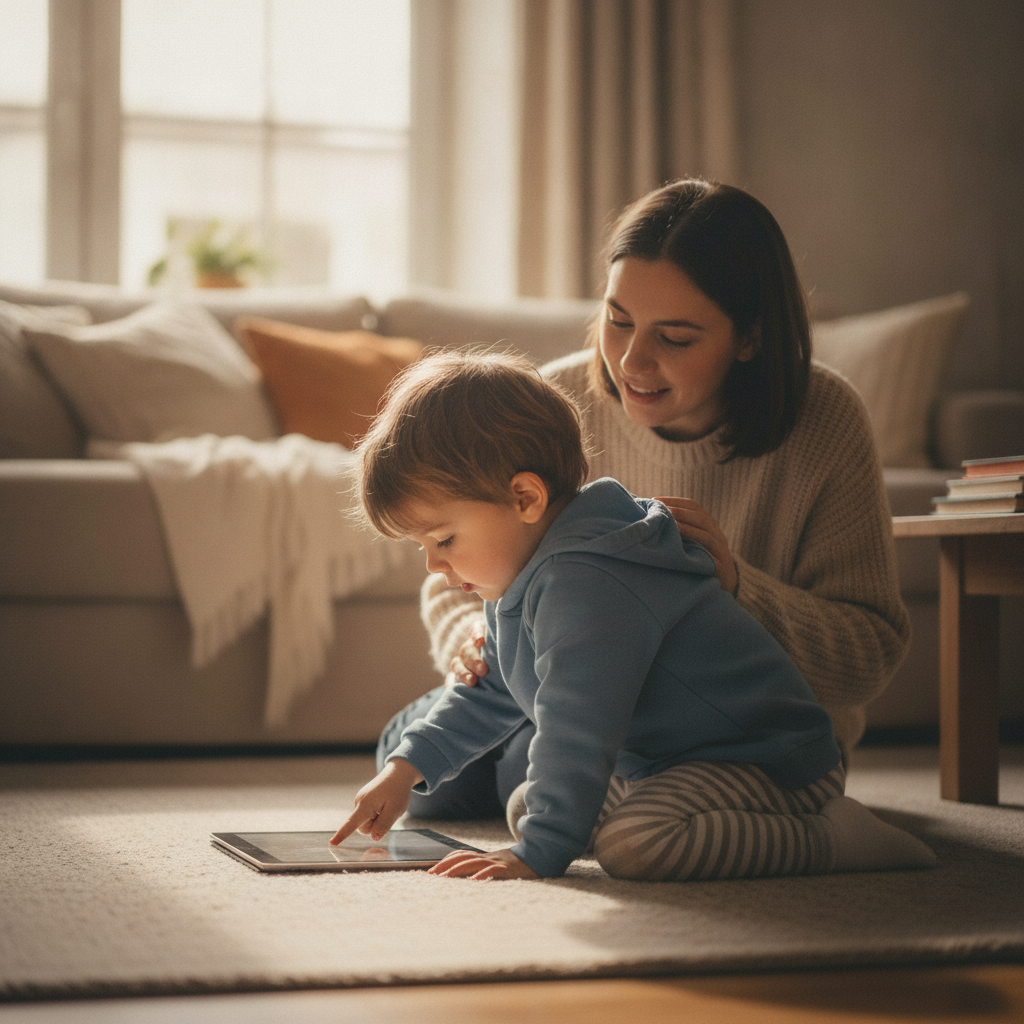
5 small steps that helped my child leave autoplay behind
I didn't do this overnight. I took small steps, and here's what worked for our family:
- Turn off autoplay every session. This was the single biggest change. When videos don't chain themselves, the child has to actively choose — and usually stops much sooner.
- Swap "watch next" for "pick what to play." I keep 2–3 interactive games ready and let him choose, instead of scrolling an endless video feed.
- Sit with him for the first 10–15 minutes. I ask "which color did you pick?" or "why that one?" — turning the screen into a conversation.
- Set a clear stopping point. "Finish this round, then we eat" is easier for a child than "turn it off now," because games have a natural endpoint.
- Praise the effort, not the result. "You were so patient trying again" helps him see the value of trying.
The purposeful games that replaced "next episode"
I looked for gentle games with clear stopping points that ask my child to do something rather than just stare. A few on the Wolfoo Game Portal became our regulars because they're free to play right in the browser, need no install, are designed to be child-safe under COPPA, and show only age-appropriate, non-personalized ads:
- For little ones, Color Learning with Wolfoo helps practice recognizing colors and following prompts — name the colors out loud together as you play.
- Wolfoo Memory Match is a card-flip game for attention and short-term memory; he has to remember positions — no one can "watch it for him."
- For slightly older kids, Wolfoo Quiz makes him read the question and choose an answer — every round is a small decision.
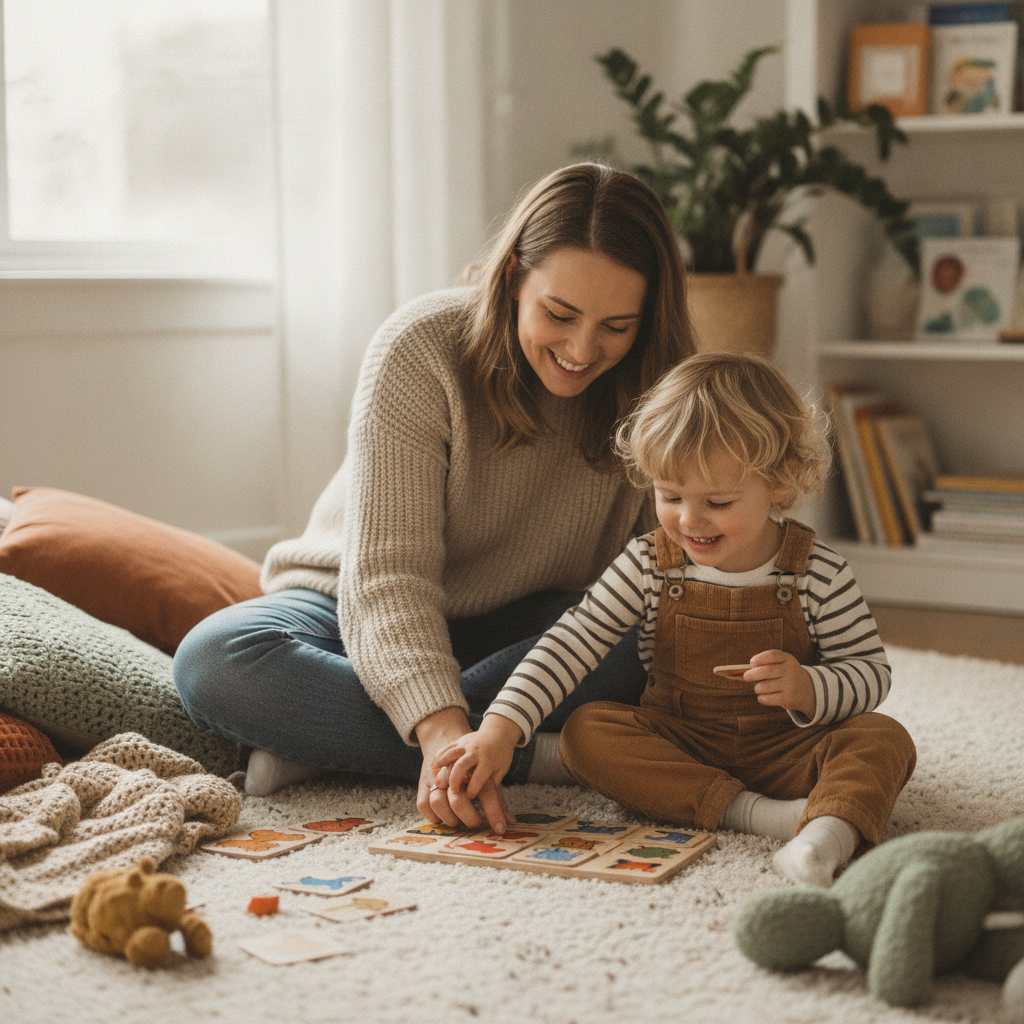
These games don't magically "make my child smarter" — I don't buy that promise. But they do build specific skills like patience, color recognition, memory, and decision-making, and most importantly, they give me a reason to sit down and play with him.
Questions many parents ask
Is turning off autoplay enough?
It's a great starting point because it hands the decision back to your child. But it works best combined with choosing interactive content and engaging alongside them.
My child is 4 — are web games okay?
For ages 2–5, the AAP recommends prioritizing quality content with a parent involved. Choose age-appropriate games, keep sessions short, and sit with them for the first few minutes.
How do I avoid a meltdown at stopping time?
Games have natural endpoints (finishing a round, clearing a level), so they're easier to wrap up than an endless feed. Give a clear heads-up and stick to it.
I haven't banned screens, and I no longer feel guilty. I just changed their role: from "automatic babysitter" to an activity my child actively does, sometimes with me. One small change — turning off autoplay — shifted the whole mood of our evenings.
Sources: American Academy of Pediatrics (AAP) and healthychildren.org guidance on children and digital media; pediatric research on interactive play versus passive viewing.