

When Kids See Something Strange Online: Teaching "Pause and Tell a Grown-Up"
Kids aged 3–7 sometimes meet confusing pop-ups, images or buttons online. Instead of banning screens, teach one small, powerful habit: pause and tell a trusted grown-up.
One afternoon your child is playing on the tablet and suddenly calls out, "Mom, what is this?" A strange pop-up is flashing on the screen. Many parents feel a jolt of worry: what would my child do if I weren't sitting right there? You are not alone in this — and the good news is that children can absolutely learn to handle it, through one very small habit.
Why kids aged 3–7 get confused on screen
At this age, children can't yet tell the difference between the game itself and an ad or pop-up that cuts in. A "tap here" button, an odd image, a sudden loud sound — any of these can make a child curious enough to tap, or scared without knowing whom to tell. According to Common Sense Media, pop-ups and surprising content often catch kids off guard, so the key is letting them know it's okay and important to speak up — and that it's never their fault.
A small habit, big safety: "Pause and tell a grown-up"
Rather than trying to ban screens (which rarely lasts), give your child one simple rule they can remember: if something looks strange or feels uncomfortable, stop and find a grown-up. Here are four steps to build that habit.
1. Choose the "trusted grown-ups" together
According to the NSPCC and Internet Matters, decide together who your child can talk to when something happens online — you, another parent, a grandparent, or a teacher. When kids know exactly who they can run to, they panic less and hide less.
2. Teach them to stop right away
The Raising Children Network suggests teaching young children to turn the screen face down or step away from the device the moment something makes them feel scared, confused or uncomfortable, then go find a trusted adult. You can make it a gentle game: "When something feels weird, be a turtle — flip the screen down and come find me!"
3. Stay calm when they tell you
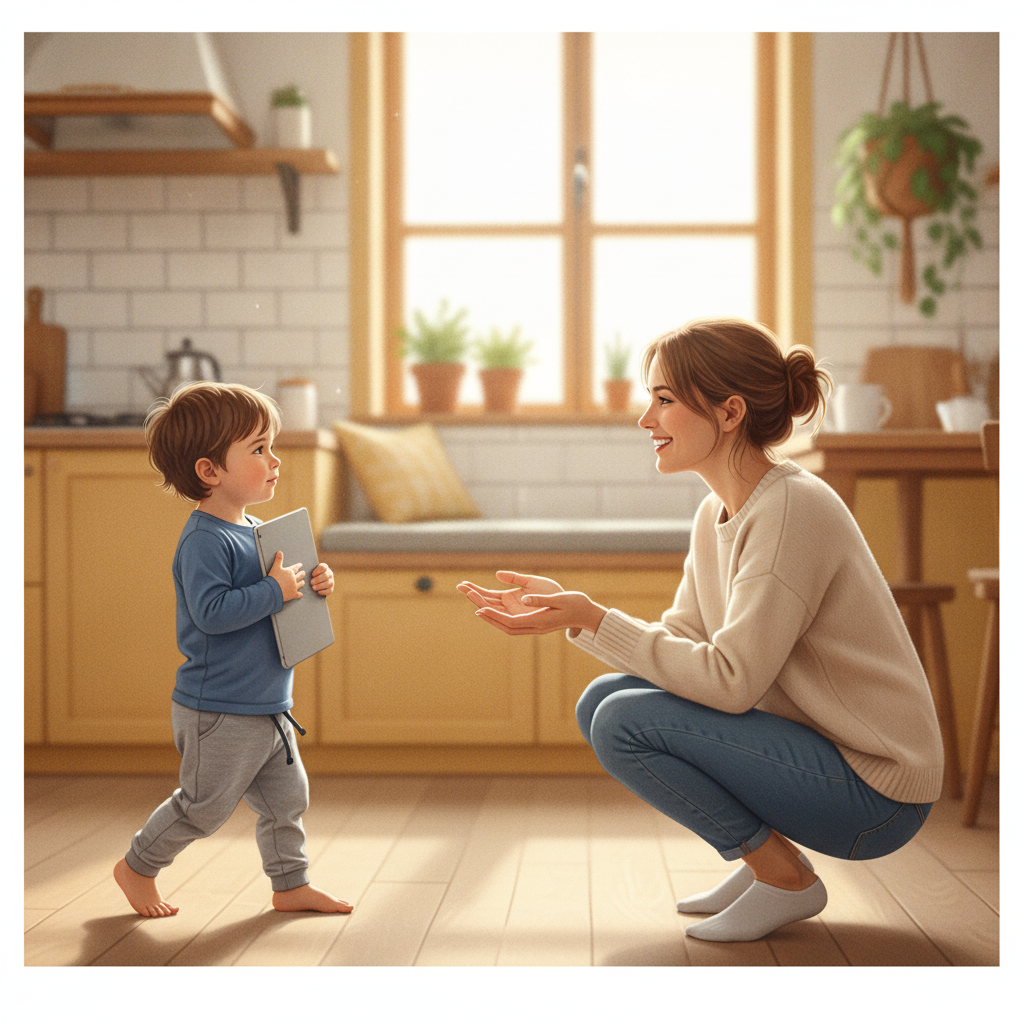
This is the most important step. If a child gets scolded — "why did you tap that?" — they'll hide it next time. Keep your voice gentle, thank them for telling you, and only then sort it out together. UNICEF highlights playing alongside your child rather than leaving them alone, and staying open and non-judgmental when they share.
4. Teach "ask before you tap"
For buttons that invite a download, a purchase, or typing in information, teach your child to stop and ask you first. A simple rhyme helps it stick: "If it feels wrong, don't delay — click away and talk, okay?"
You can practice this habit inside calm games with a grown-up sitting nearby. For example, Color Learning with Wolfoo suits kids aged 3–7, has a slow pace, and is a great moment to play together and chat: "If you saw something strange, what would you do?" Wolfoo Game Portal is free to play in the browser, designed to be child-safe under COPPA, shows age-appropriate (non-personalized) ads, and includes a parental controls page — but no tool replaces a parent playing alongside their child.
Scripts parents can use
- Set the rule: "If something on the screen looks strange, just flip it down and call me right away."
- Praise the telling: "You did a great job telling me! Let's look at what it is together."
- Reassure: "It's okay, this isn't your fault. I'm always here to help you."
Frequently asked questions
My child is only 3 — is it too early for online safety?
It's not too early. You don't need complicated explanations — just one simple rule ("if it looks strange, call me") and time playing together. Children learn through repetition and through how you respond.
What if my child already tapped a pop-up?
Stay calm, close it together, and treat it as a teaching moment rather than a reason to scold. A gentle reaction keeps your child willing to tell you next time.
Do educational games make my child safer?
Age-appropriate games create a calm space to practice specific skills (recognizing colors, memory, patience) and a chance to rehearse the "pause and tell" habit with you. But no game can replace a parent's company and conversation.